

Handovers and counting cash
Count the cash a collector hands over, tick the payments that were really in it, and confirm them, including what to do when the count is short.
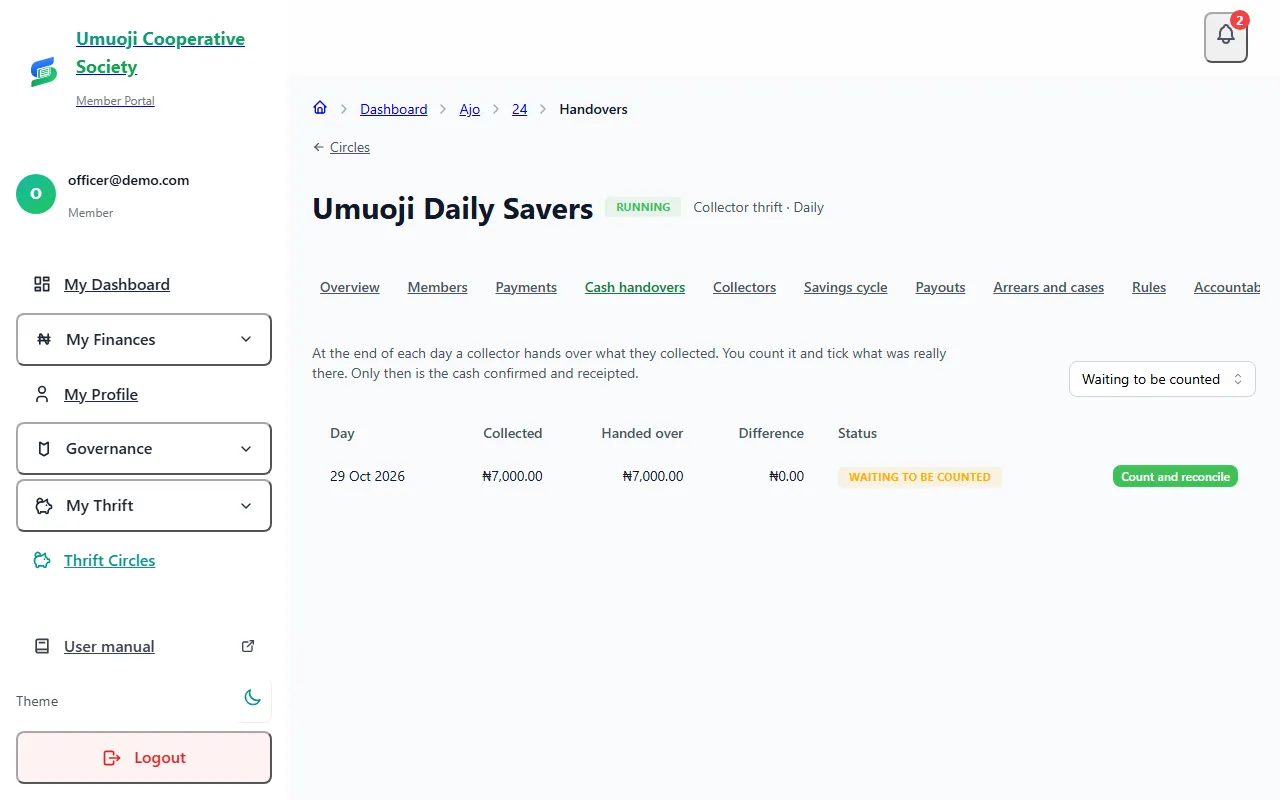
At the end of each day, a collector hands the cash they took to the office. You count it and tick what was really there. Only then is the cash confirmed and the savers receipted. This page covers assigning collectors, then counting a handover.
Read Cash reconciliation first for the idea behind the steps.
Before you start
- You need the reconcile permission. To assign collectors you need manage.
- Collector thrift must be part of your Ajo tier (Growth and above).
- Do not count your own collection. If you are the collector and the only person who can reconcile, you may do it, but you must tick a box and write a note, and it is flagged.
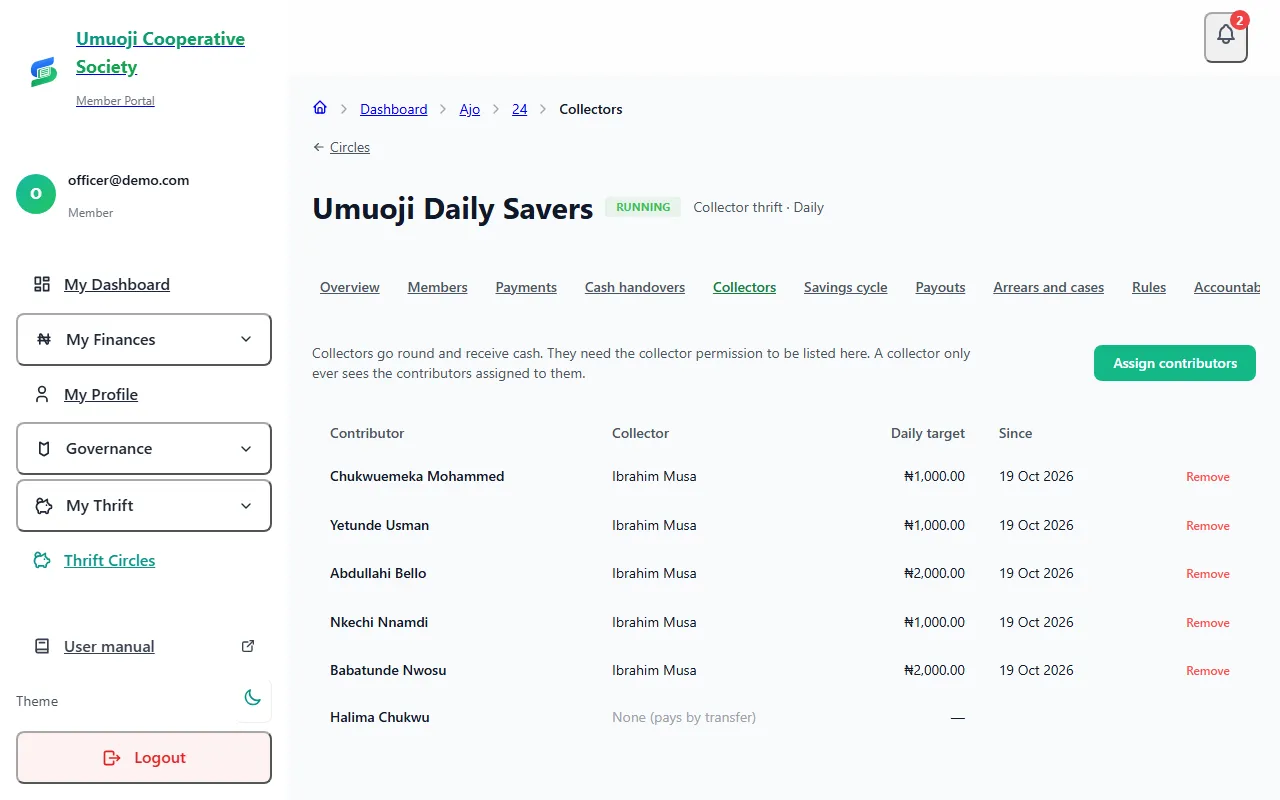
Assign a collector to savers
A collector can only record cash from the people assigned to them.
Count a handover
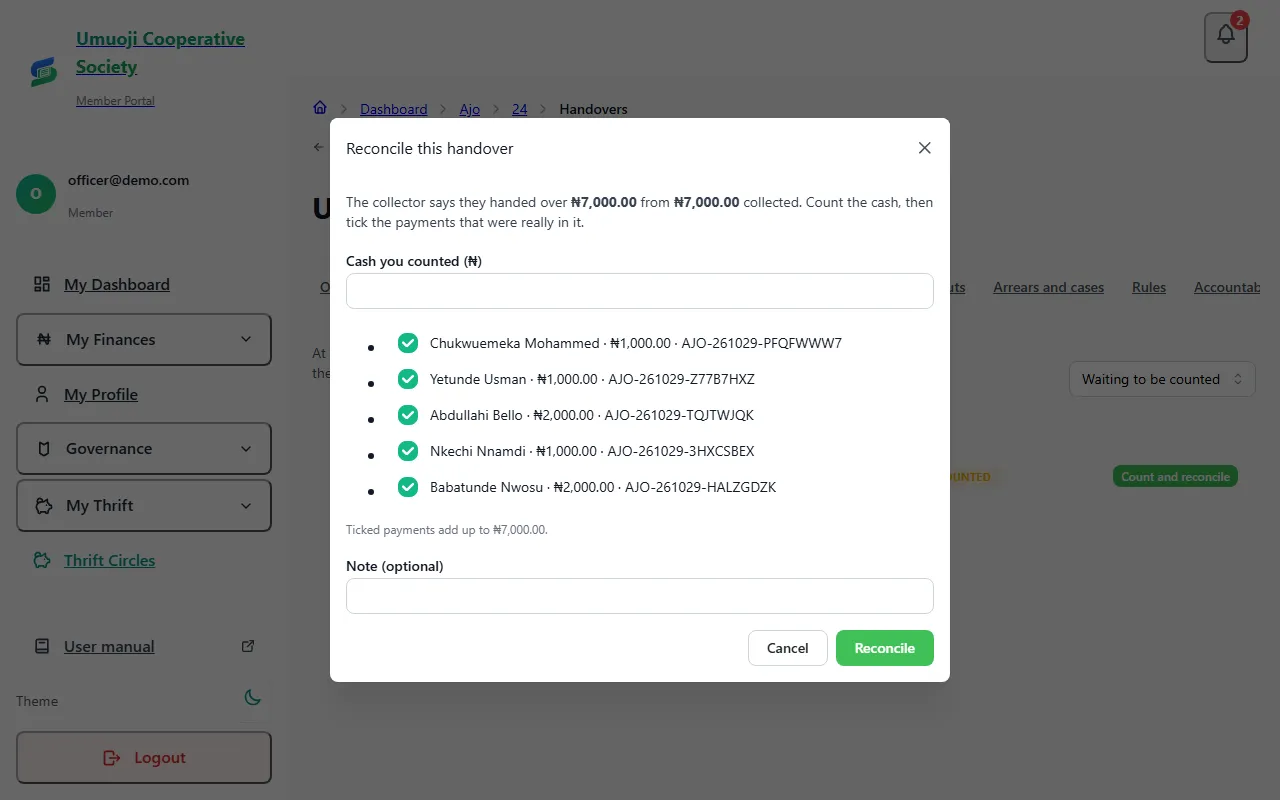
When the count is right
The ticked payments become Confirmed, the savers get receipts, and the day's figures are final. The handover shows as Reconciled.
When the count is short
The count has to equal the payments you tick, to the naira, so a short count means leaving a payment unticked.
For example, a collector recorded ₦7,000.00 from five savers and handed over ₦6,000.00, saying one saver's ₦1,000.00 is still with them. You count ₦6,000.00, tick the four payments that were in the cash, and leave that saver's unticked. Write a note ("Chukwuemeka's ₦1,000.00 was not in the bag. The collector will bring it in the morning").
- The four ticked payments are confirmed.
- The unticked one stays Cash received, awaiting confirmation. It is not lost.
- The next day it is carried over, so the next handover is ₦1,000.00 higher than that day's own cash. When you count that day and tick it, it is confirmed.
If the money never appears, the payment stays unconfirmed, and appears on the accountability page as cash the office has not seen.
What happens next
A counted handover is final. If you counted wrongly, reverse a payment from the Payments tab with a reason (see Confirming payments) and record it again. Nothing is edited or deleted.
Count every day
A collector can only hand over once a day, and cash recorded after a handover for that day is refused. Counting each morning keeps the day's figures small enough to check, and means a shortage is spotted the day after, while everyone remembers.
Related
Cash reconciliation
How cash a collector takes in becomes confirmed money: recorded, handed over, counted, then confirmed, and what happens when the count is short.
Your day as a collector
What a collector does each day in SocietyLedger: see who you collect from, record cash as you take it, and hand over at the end of the day.
Handing over at the end of the day
Record how much cash you handed to the office, what the difference means, and what happens if you are short.
Last updated 30 October 2026