

Raising a query about a payment
If you paid but it does not show, tell your circle with I already paid this, attach your evidence, and see how an officer decides it.
Sometimes a payment you made does not show: your transfer was never matched, or a collector forgot to record your cash. When that happens, raise a query (the app also calls it a claim). It puts your case in front of an officer, protects you from being marked as behind while it is looked at, and leaves a written record.
Before you start
- It must be for one payment that is unpaid and past its due date on your schedule. You cannot raise a query about a payment that is already paid or waived, and the button does not appear for a day that is not yet due.
- You need to be allowed to make changes in the circle. If your circle has been switched to read-only, you will not see the button.
- Have your evidence if you have it: a screenshot of the transfer, or the bank's receipt. A photo or PDF, up to 5 MB. It is optional, but it makes a decision much quicker.
- Your circle must be running.
Raise a query
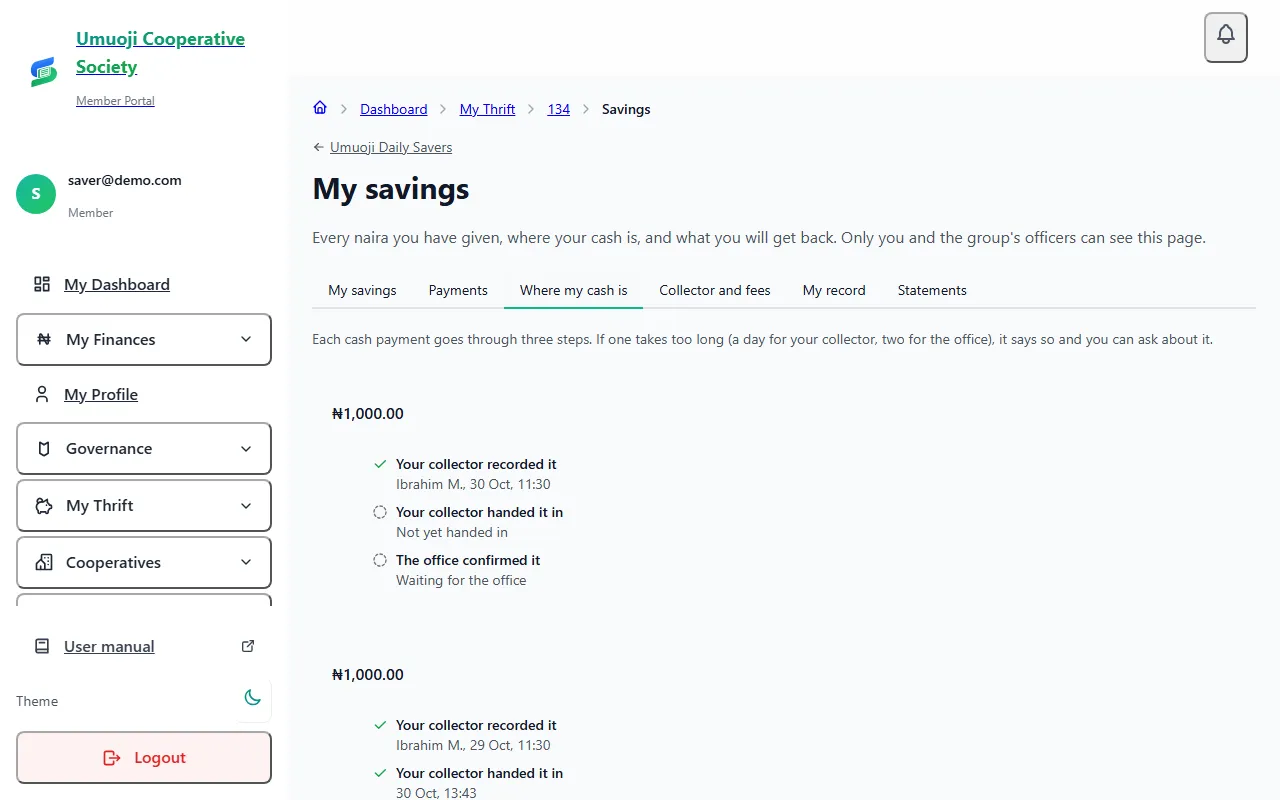
What happens next
- That payment shows as Under review. It is never shown as Missed while your query is open. You are not charged a late fee or chased about it, and it is left out of your trust score until it is decided.
- The circle's officers are told, and can see what you said and your evidence. They find it under Arrears and cases, on the Claims of "I paid" tab, and select Decide.
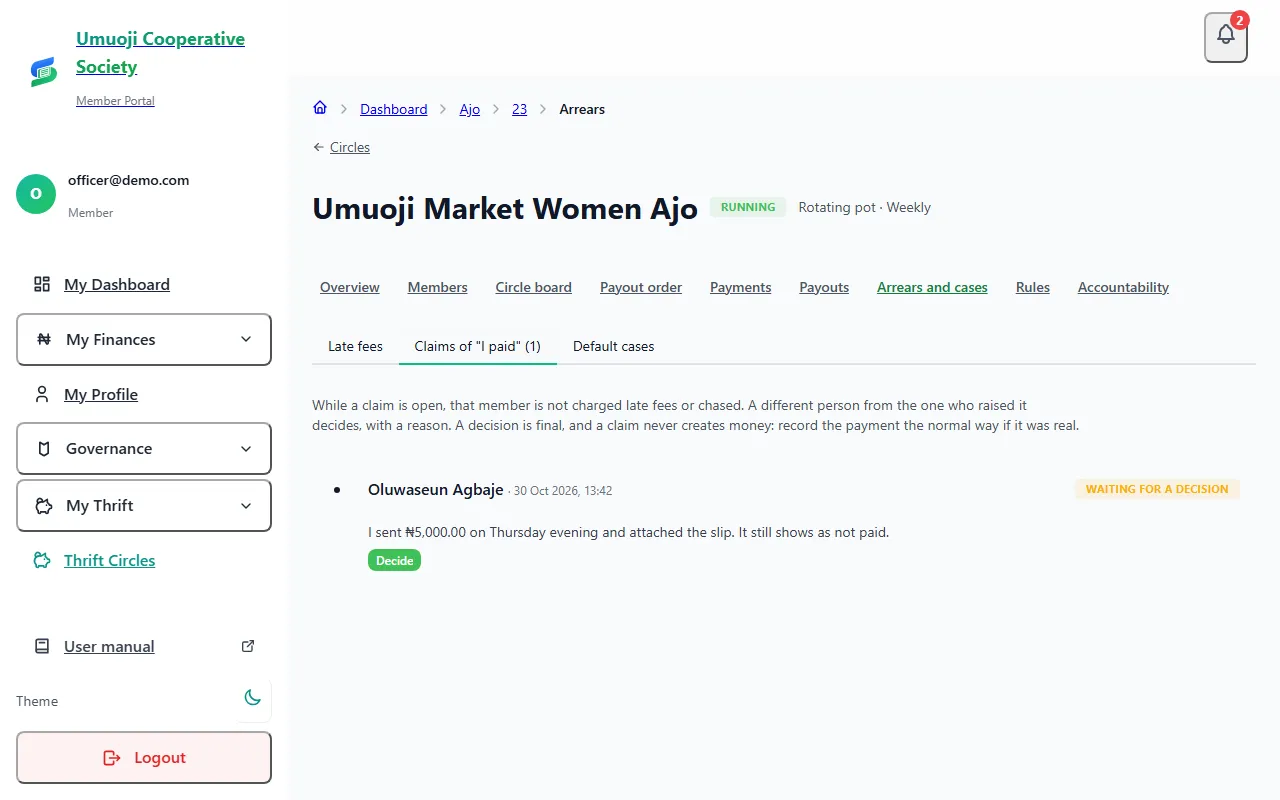
- A different person decides. The officer who raised a query for someone cannot decide it, and you cannot decide your own. They check the bank statement or the collector's record, then either accept your claim or do not accept it, and they must write a reason. You are told the decision and the reason.
- If it is accepted, the officer then finds and confirms the payment as normal, and you get a receipt. A query does not add money by itself.
- A decision is not changed. If you think something was missed, you can raise it again with more evidence.
You can see your queries and their decisions on your circle page.
Good to know
- One query at a time can be open for each payment.
- A query does not stop everything. It covers that one payment only.
- Do not raise a query to delay a late fee. An officer can see what you paid and when, and a claim that does not match the record is simply not accepted.
- If you have not yet reported the payment at all, report it first. See Paying and sending proof. A query is for when you have paid and it still does not appear.
Evidence helps both sides
A clear screenshot with the date, amount and the circle's account name lets an officer decide in minutes. A decision with no evidence has to rest on memory.
Related
Payment statuses
What Paid on time, Reported, Overdue, Missed and the other words mean in a circle, who decides them, and what counts as paid.
Late fees, default cases, repayment plans and disputes
What happens when someone falls behind: how late fees are worked out and waived, how cases and repayment plans run, and how to decide a claim.
Paying and sending proof
Send your contribution to the circle's bank account, then tell SocietyLedger you have paid and attach your slip, and what happens until it is confirmed.
Last updated 30 October 2026